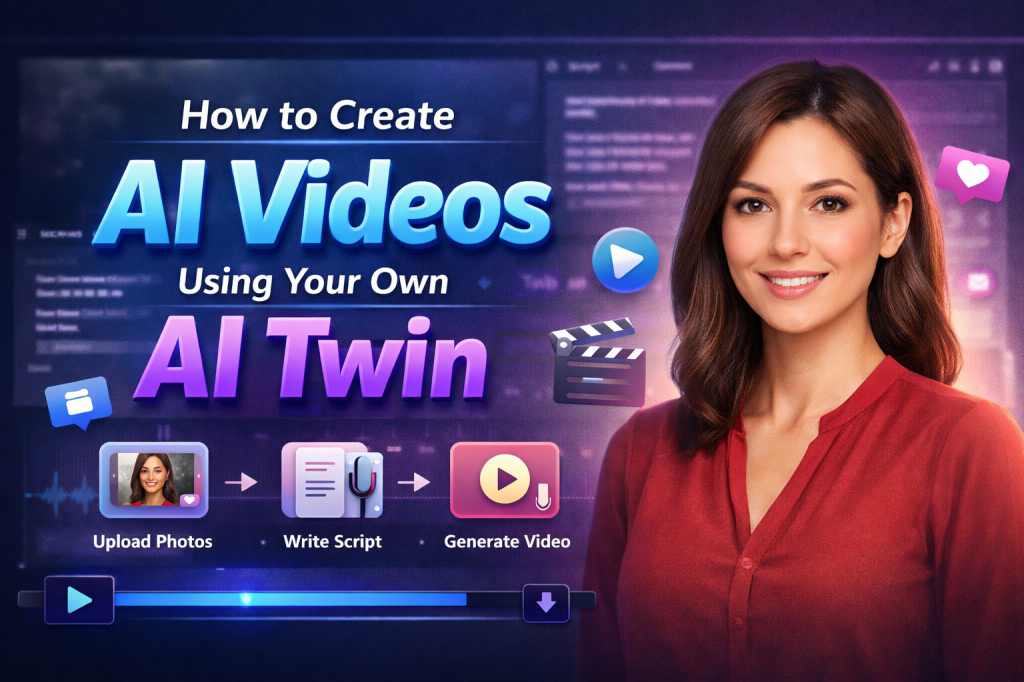
AI video creation has evolved from a futuristic concept into a practical, scalable content strategy for creators, brands, educators, and performance marketers. At the center of this shift is the AI Twin, a lifelike digital replica of you that can generate videos on your behalf, mirroring your appearance, voice, and delivery style.
Instead of repeatedly filming content, adjusting lighting, or dealing with retakes, your AI Twin can produce new videos directly from text scripts. The result? Faster production, lower costs, and unlimited scalability.
In this guide, we’ll explore what an AI Twin is, how it works, and how to create AI videos using your own AI Twin, step by step.
What Is an AI Twin?
An AI Twin is a digital avatar trained on your face, voice, and mannerisms. Once created, it functions as a virtual version of you that can speak any script you provide.
At its core, an AI Twin combines three elements:
- Visual Twin – A realistic digital avatar based on your appearance
- Voice Twin – A cloned or trained voice that matches your tone and cadence
- Lip-Sync & Motion AI – Technology that ensures speech and expressions look natural
Together, these elements allow you to generate professional talking-head videos without stepping in front of a camera again.
Why AI Twins Matter
AI Twins are changing how content is produced across industries. Here’s why they’re becoming essential:
1. Time & Cost Efficiency
No need for frequent shoots, equipment, studios, or editors. One setup can power hundreds of videos.
2. Unlimited Scalability
Create multiple variations of AI ads, UGC videos, explainers, or educational content instantly.
3. Platform Customization
Tailor videos for Facebook, Instagram Reels, YouTube, TikTok Ads, and landing pages.
4. Localization
Generate multilingual versions without re-recording.
For e-commerce brands and D2C marketers especially, AI Twins enable scalable performance marketing without traditional production bottlenecks.
Types of AI Twin Technology
Understanding the core components helps you maximize the technology.
1. Visual Twin
The Visual Twin is your on-screen digital avatar. It’s created using high-quality photos or video footage and trained using generative AI models.
The better your input (clear lighting, multiple angles, neutral expressions), the more realistic your avatar becomes.
Common use cases:
- Virtual events
- Product demos
- Social media videos
- Online courses
2. Voice Twin
A Voice Twin replicates your natural speaking tone, pacing, and inflection. You typically provide a short voice sample, and the system trains a speech model to mimic it.
Voice Twin applications:
- Podcast snippets
- Voiceovers
- Audiobooks
- Sales & onboarding videos
When combined, visual and voice twins create a convincing digital presence that can communicate on your behalf 24/7
How to Create AI Videos Using Your AI Twin (Step-by-Step)
Many AI twin generators support digital twin creation, including Tagshop AI, VEED, and Kapwing. While interfaces vary, the workflow remains largely the same.
Step 1 – Sign Up & Log In
Create an account on your chosen platform. Most dashboards guide you through the onboarding process.
Tip: Use a professional email and complete profile verification to unlock advanced features.
Step 2 – Navigate to the AI Twin Section
Locate the “AI Twin” or “Avatar” tab inside the dashboard. This is where you’ll build and manage your digital persona.
Step 3 – Upload High-Quality Images
Provide well-lit, high-resolution photos:
- Multiple angles (front + slight side)
- No sunglasses, hats, or facial obstructions
- Neutral expression
- Clean lighting
Some platforms also allow short video uploads to capture micro-expressions for better realism.
Step 4 – Customize Your Twin
Adjust settings such as:
- Avatar name
- Voice cloning setup
- Age/style tone
- Language preferences
This ensures your AI Twin reflects your brand identity accurately.
Step 5 – Complete Consent Verification
Reputable platforms require authorization before generating your digital twin. This may include:
- A short consent video
- ID verification
- Platform agreement
This step protects against misuse and deepfake abuse.
Step 6 – Write or Upload Your Script
Now comes the creative part.
You can:
- Write scripts manually
- Use built-in AI script generators
- Upload text documents
Best practice: Keep scripts conversational and concise, especially for short-form platforms.
Step 7 – Edit Your Video
Inside the editor, you can:
- Add captions
- Insert hooks
- Include B-roll or product visuals
- Adjust pacing
- Add CTAs
This transforms your AI Twin video into native-style content rather than a static talking-head clip.
Step 8 – Render & Export
Export in the appropriate format:
- 9:16 (Vertical) → TikTok, Reels
- 16:9 (Horizontal) → YouTube
- 1:1 (Square) → Social feeds
Most renders complete within minutes.
Advanced Tips for High-Performing AI Twin Videos
1. Write Like You Speak
Natural beats polished. Add conversational pauses and personality.
2. Keep It Short
15–45 seconds performs best on short-form platforms.
3. Match Platform Style
Fast-paced edits for TikTok. Polished, informative tone for YouTube. Native-feeling ads for Instagram.
4. Refresh Hooks & CTAs
Change openers regularly to prevent fatigue.
5. A/B Test Variations
Generate multiple versions with different hooks or captions and analyze performance data.
Real-World Use Cases
AI Twins aren’t just a trend, they’re practical production tools.
1. Creators
Produce daily UGC without burnout.
2. Brands & Ecommerce Marketers
Scale ad creatives across multiple audiences.
3. Educators
Create consistent lesson modules.
4. Sales & Support Teams
Automate onboarding and explainer content.
For performance-focused brands (especially in ecommerce), AI Twins significantly reduce content production bottlenecks while increasing testing velocity.
Safety & Ethical Considerations
AI Twin technology requires responsible use.
Always choose platforms that provide:
- Explicit consent protocols
- Secure data storage
- User-controlled deletion
- Transparent privacy policies
Never upload biometric data without reviewing terms and compliance policies.
The Future of AI Twins
AI Twins are evolving rapidly. Expect innovations such as:
- Real-time interactive avatars
- Emotion-aware responses
- Multilingual auto-localization
- Live AI Twin streaming
As AI video tools mature, digital twins will likely become a standard part of content creation workflows.
Final Thoughts
Creating AI videos with your AI Twin transforms content production from time-consuming to scalable.
With a one-time setup, you can generate polished videos on demand — without cameras, lighting setups, or repeated filming. Whether you’re a creator, educator, or ecommerce brand, AI Twins unlock a powerful new way to scale your message while maintaining authenticity.
As the technology continues to improve, adopting AI Twin workflows today positions you ahead of the next wave of AI-powered content creation.
 AI Avatar Tech Blog
Leave a comment