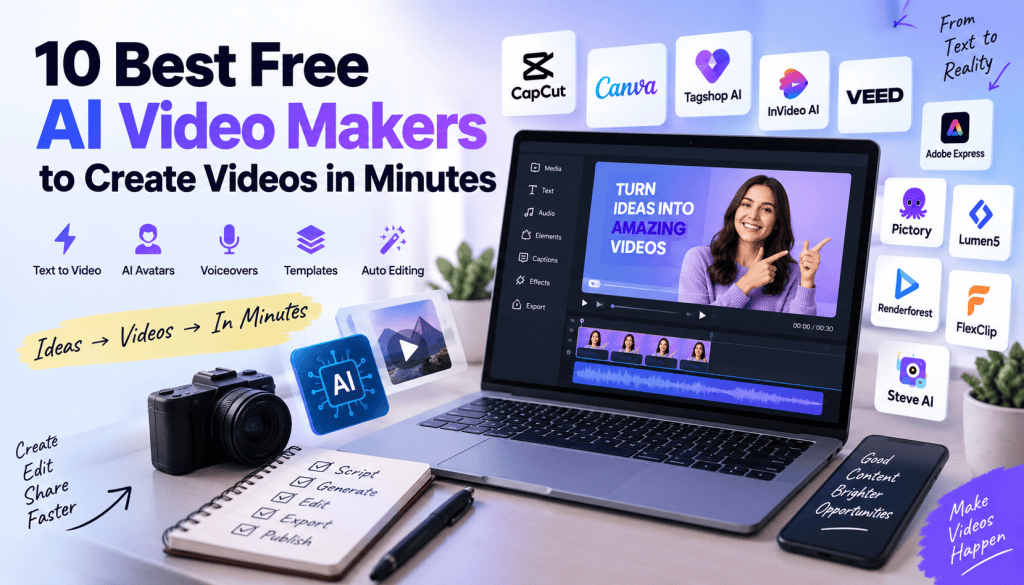
Creating a professional video no longer requires expensive cameras, complicated editing software, or a dedicated production team. With AI video makers, you can turn a simple text prompt, script, blog post, product description, or collection of images into a finished video in just a few minutes.
The best part? Many AI video makers now offer free plans or free credits, making them accessible to beginners, marketers, content creators, educators, and small businesses.
In this guide, we’ll explore the 10 best free AI video makers you can use to create videos quickly. We’ll look at their key features, ideal use cases, free-plan limitations, strengths, and what type of creator each platform is best suited for.
What Is a Free AI Video Maker?
A free AI video maker is an online tool that uses artificial intelligence to automate some or all of the video creation process.
Instead of manually recording footage, writing scripts, finding visuals, editing clips, adding captions, and creating voiceovers, you can provide an idea or script and let AI handle much of the production.
Depending on the platform, an AI video maker may be able to:
- Convert text into video
- Generate AI avatars
- Create AI voiceovers
- Generate or select visuals
- Add background music
- Automatically create subtitles
- Generate video scripts
- Turn images into animated videos
- Create social media videos
- Produce product videos
- Translate videos into different languages
Free AI video makers are particularly useful when you need to produce content quickly without investing heavily in traditional video-production tools.
10 Best Free AI Video Makers
1. CapCut
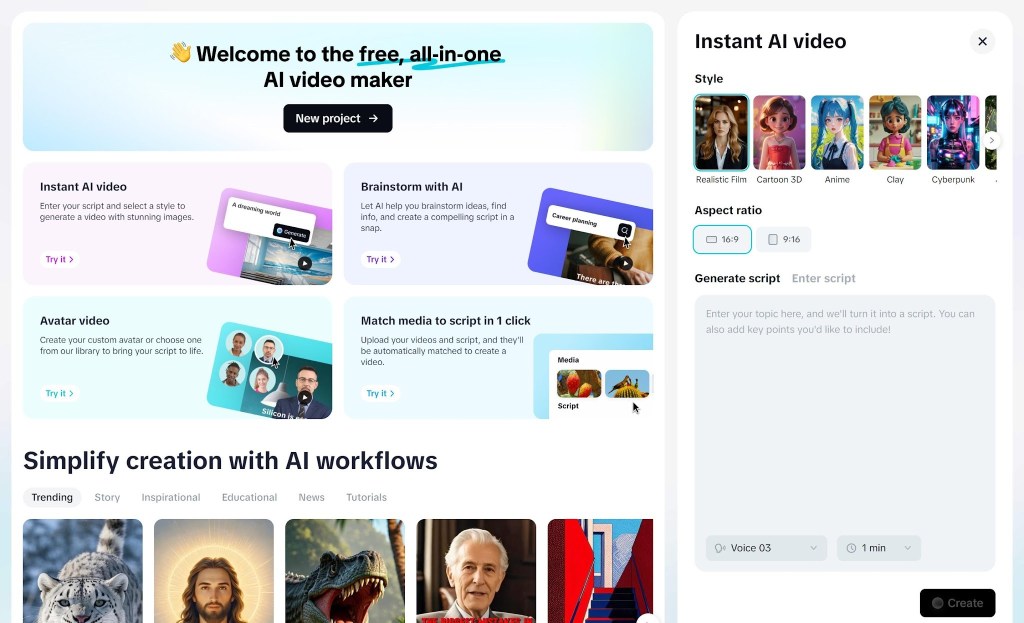
CapCut is one of the most accessible AI-powered video creation platforms for beginners and social media creators. It combines traditional video editing with AI-powered features that can speed up content production.
You can start with a script, images, clips, or templates and build videos designed for platforms such as TikTok, Instagram, YouTube, and other social channels.
Its AI capabilities can help with tasks such as automatic captions, background removal, text-to-speech, script-based creation, and other editing workflows.
Key Features
- AI-assisted video creation
- Automatic captions
- Text-to-speech
- Background removal
- Video templates
- AI effects
- Social-media-focused editing
- Easy timeline editor
Best For
CapCut is particularly useful for short-form video creators, influencers, marketers, and beginners.
Free Plan
CapCut provides a free version, although specific AI features and export options can vary by region and can change over time.
Why Choose CapCut?
If you want an AI video maker that combines AI automation with hands-on editing, CapCut is a strong option. You can allow AI to handle repetitive tasks while still having control over the final video.
2. Canva
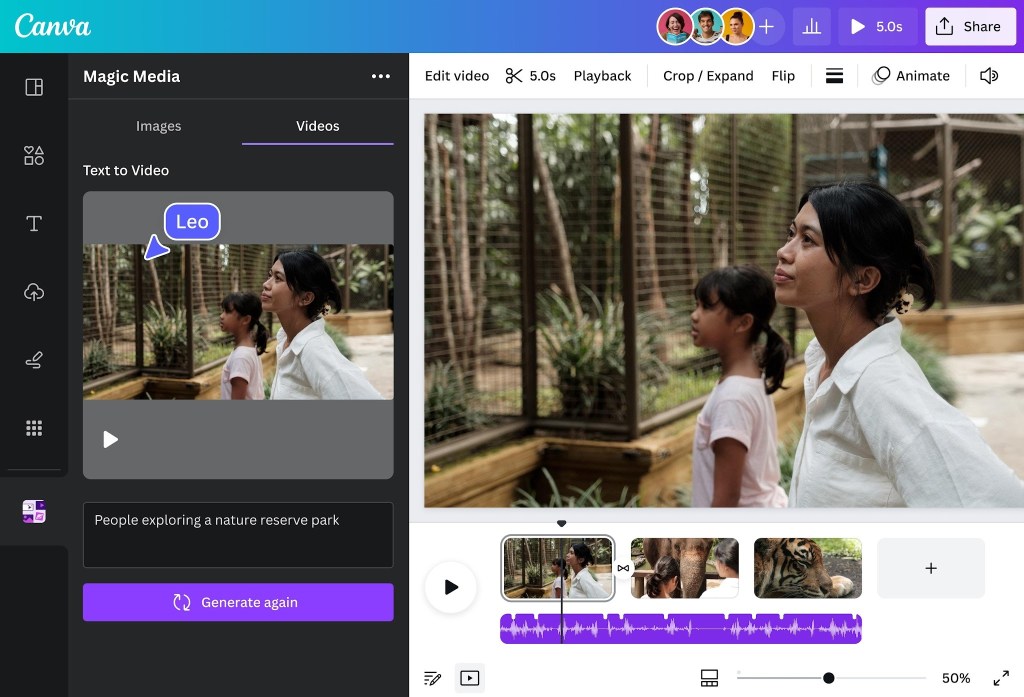
Canva is widely known as a graphic-design platform, but it has evolved into a powerful visual-content creation suite with AI-powered video features.
Its AI tools allow users to generate visual content from text and combine generated assets with templates, stock footage, animations, music, and other design elements.
Canva is especially useful for people who want to create marketing videos, presentations, educational videos, social media content, and branded videos without learning professional editing software.
Key Features
- AI-powered content generation
- Video templates
- Stock video library
- AI-generated visuals
- Text animations
- Voice and audio tools
- Drag-and-drop editor
- Brand customization
Best For
Canva works particularly well for business owners, marketers, educators, social media managers, and beginners.
Free Plan
Canva has a free plan with access to many design and video features. Some advanced AI capabilities and premium assets require a paid subscription.
Why Choose Canva?
The biggest advantage is simplicity. If you’re already comfortable with Canva’s design interface, creating an AI-assisted video feels relatively straightforward.
3. InVideo AI
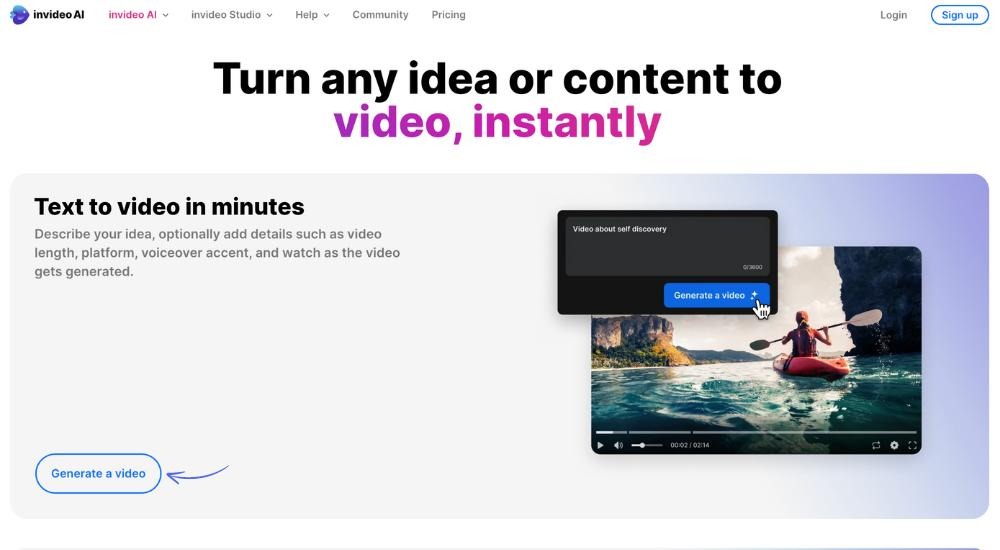
InVideo AI focuses heavily on turning written instructions into complete videos.
Instead of building a project manually, you can describe the video you want and let AI generate a script, select visuals, create scenes, and assemble the video.
For example, you could enter a prompt such as:
“Create a 60-second educational video explaining how AI video generators work.”
The system can transform the idea into a structured video that you can subsequently edit.
Key Features
- Prompt-to-video generation
- AI scriptwriting
- AI voiceovers
- Stock media
- Automated scene creation
- Video editing through prompts
- Templates
- Social media video creation
Best For
InVideo AI is well suited for YouTubers, marketers, bloggers, agencies, and businesses that need to produce informational videos quickly.
Free Plan
The free version allows users to experiment with AI video generation, but free exports may include limitations such as watermarks, usage limits, or restricted access to certain features.
Why Choose InVideo AI?
Its biggest strength is its prompt-driven workflow. Instead of manually assembling every scene, you can describe what you want and then refine the generated result.
4. VEED
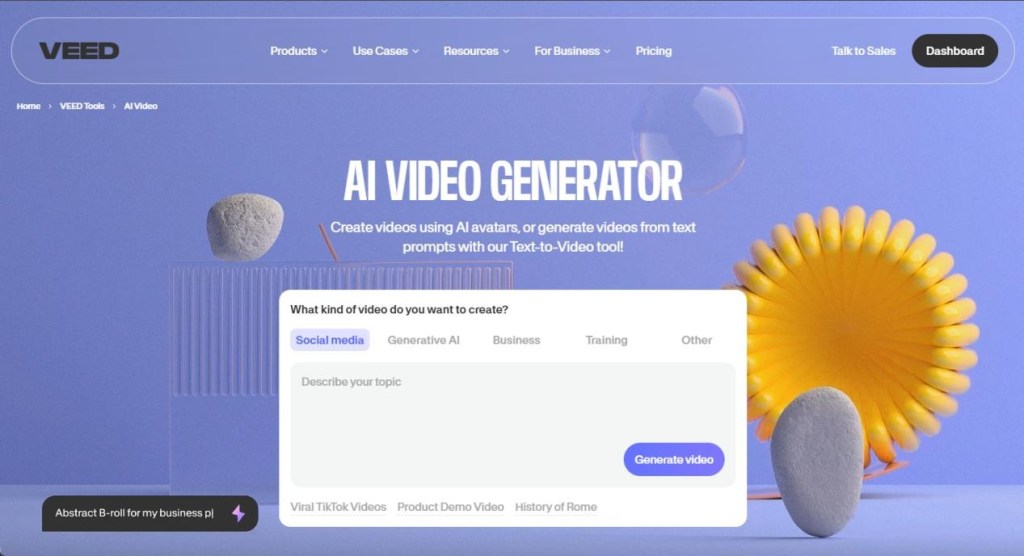
VEED is an online video creation and editing platform that incorporates AI into several parts of the production process.
It is designed for users who want to create videos without installing complex desktop editing software.
VEED can assist with video generation, subtitles, transcription, voiceovers, avatars, and editing.
Key Features
- AI video generation
- Automatic subtitles
- AI voiceovers
- Text-to-speech
- AI avatars
- Background removal
- Online video editor
- Social-media templates
Best For
VEED is a good choice for content creators, marketers, educators, and businesses.
Free Plan
VEED offers a free option with limitations that can include export quality, watermarking, and access to premium AI features.
Why Choose VEED?
VEED is especially useful if you want AI generation combined with a conventional online video editor. This gives you more control after AI creates the initial video.
5. Adobe Express
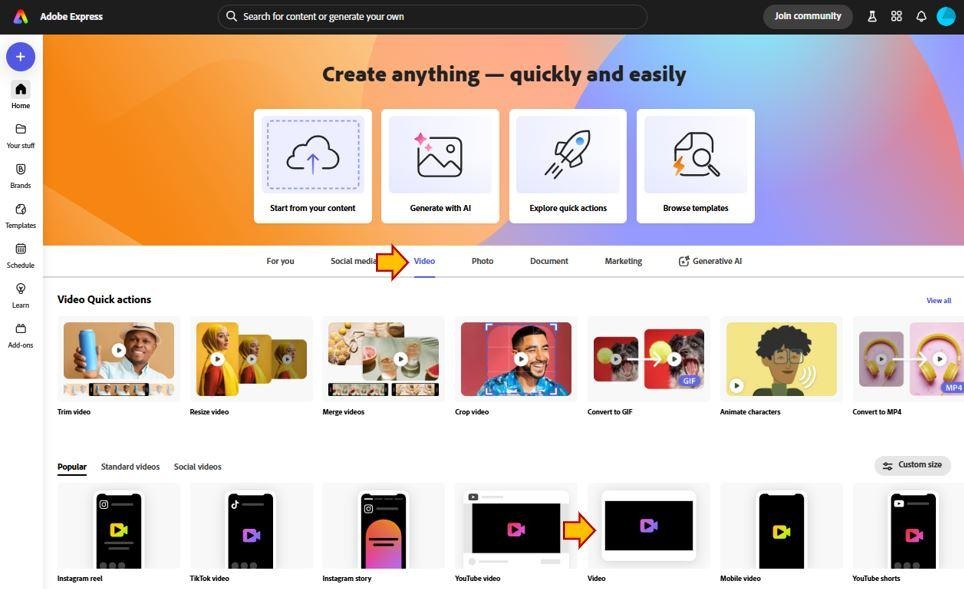
Adobe Express brings Adobe’s creative ecosystem into a simpler browser-based environment.
Unlike professional applications that can have a steep learning curve, Adobe Express focuses on quick content creation.
Its AI capabilities can help creators generate visual assets and produce branded content while its templates make it easier to create videos for different formats.
Key Features
- AI-powered content creation
- Video templates
- Animation
- Background removal
- Stock assets
- Text effects
- Brand tools
- Social media formats
Best For
Adobe Express is ideal for small businesses, marketers, students, social media managers, and creators.
Free Plan
Adobe Express has a free tier with access to a selection of creative tools. Premium features and assets may require a subscription.
Why Choose Adobe Express?
If your videos need to maintain a consistent brand identity, Adobe Express can be particularly useful because it combines design, templates, and AI-assisted creation.
6. Pictory
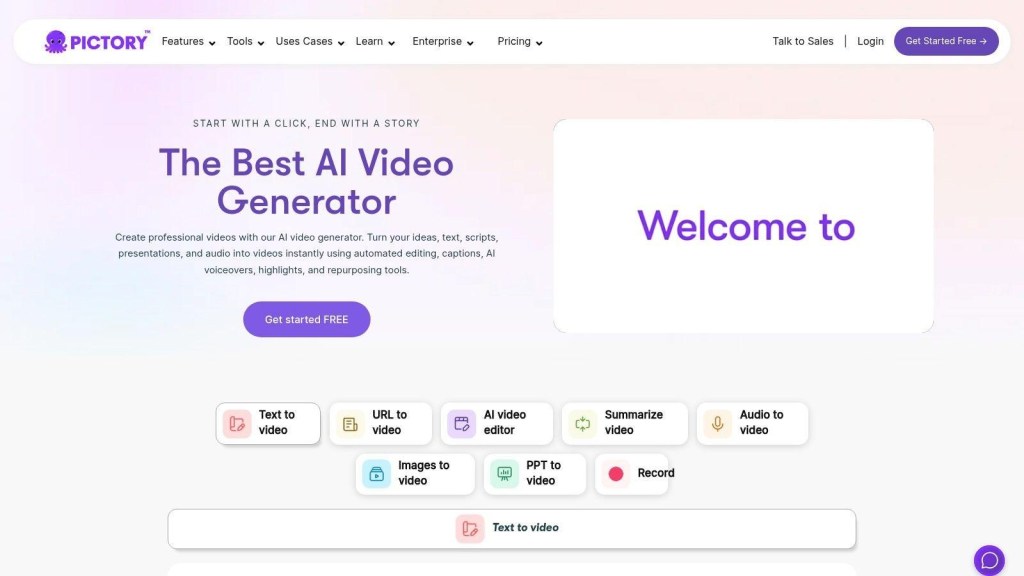
Pictory is designed around the idea of turning existing written content into video.
This makes it particularly interesting for bloggers, marketers, educators, and businesses that already have large amounts of written content.
You can start with a script, article, or other text and use AI to help transform the content into a video format.
Key Features
- Text-to-video creation
- Script-to-video
- Article-to-video workflows
- AI voiceovers
- Automatic captions
- Stock footage
- Video summarization
- AI editing
Best For
Pictory is especially suitable for bloggers, content marketers, educators, and businesses.
Free Access
Pictory has historically offered trial-based access rather than an unlimited free video-production plan. Availability and limits can change, so check the current offering before planning a large project.
Why Choose Pictory?
If your content strategy starts with blogs and written articles, Pictory can help repurpose those assets into videos without starting from scratch.
7. Lumen5
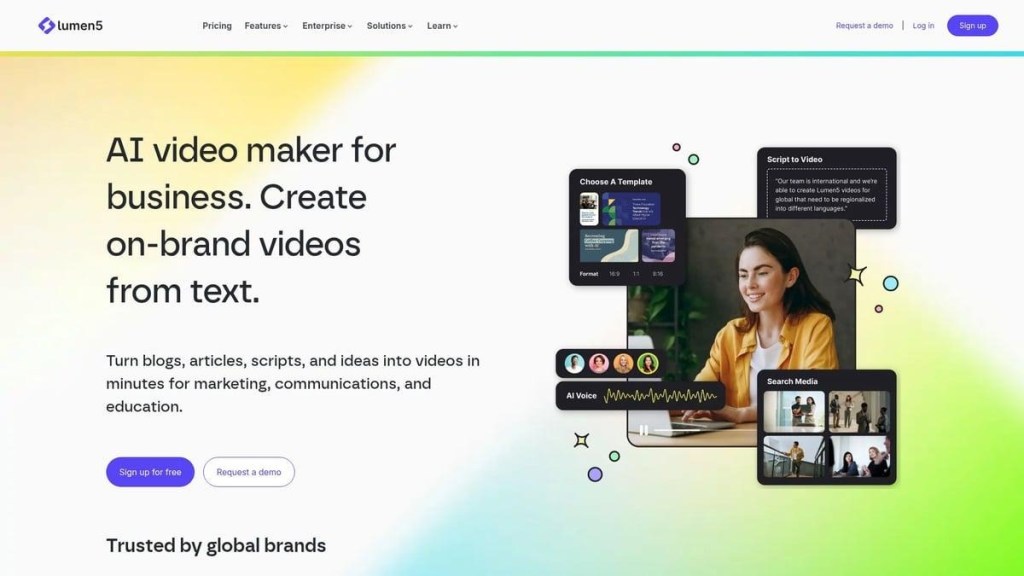
Lumen5 is an AI-assisted video creation platform focused heavily on transforming written content into engaging visual stories.
It is useful for organizations that regularly publish articles, announcements, educational content, and social media posts.
Rather than manually choosing every visual element, AI can assist in structuring content and matching text with appropriate media.
Key Features
- Text-to-video creation
- AI-assisted storyboarding
- Templates
- Stock media
- Text animations
- Social media formats
- Brand customization
Best For
Lumen5 is particularly useful for content marketers, publishers, businesses, and social media teams.
Free Plan
Lumen5 has offered free access with limitations, typically involving branding or export restrictions. Features and pricing can change.
Why Choose Lumen5?
It is a practical option when your goal is to repurpose written content into short visual videos.
8. Renderforest
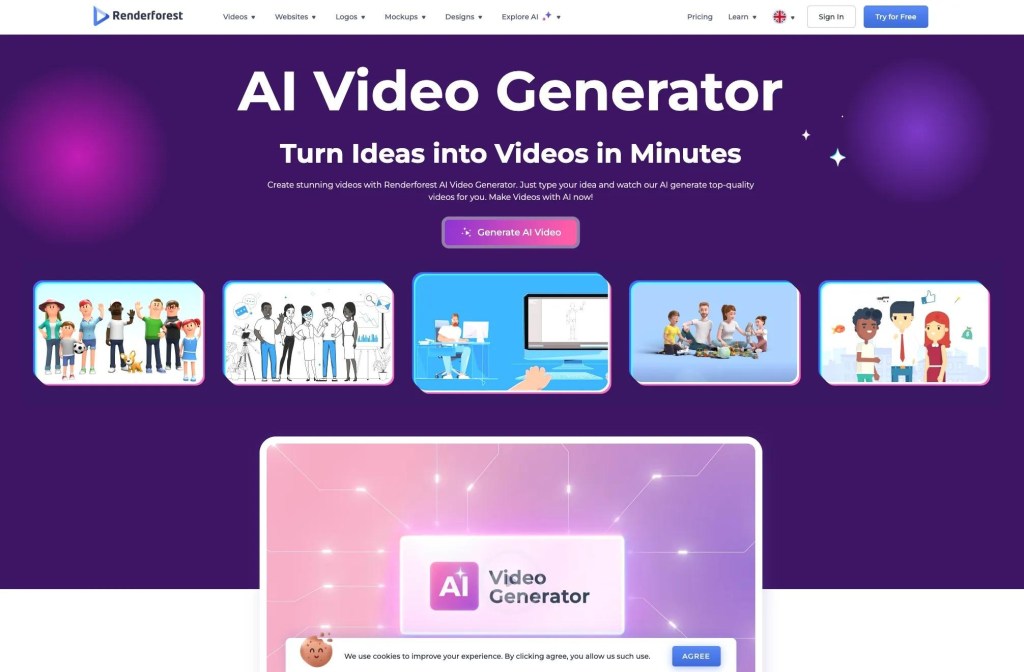
Renderforest is an online creative platform that provides tools for videos, animations, presentations, logos, and other visual content.
Its video creation tools are particularly useful for users who want templates and automated workflows instead of building everything from a blank timeline.
Key Features
- AI-assisted video creation
- Video templates
- Animated videos
- Explainer videos
- Logo animations
- Presentations
- Stock media
- Online editing
Best For
Renderforest is a strong choice for small businesses, startups, educators, and creators.
Free Plan
A free plan is available with limitations that may include resolution, branding, and asset restrictions.
Why Choose Renderforest?
Its broad collection of templates makes it useful when you need to create a polished video quickly but don’t have advanced editing skills.
9. FlexClip
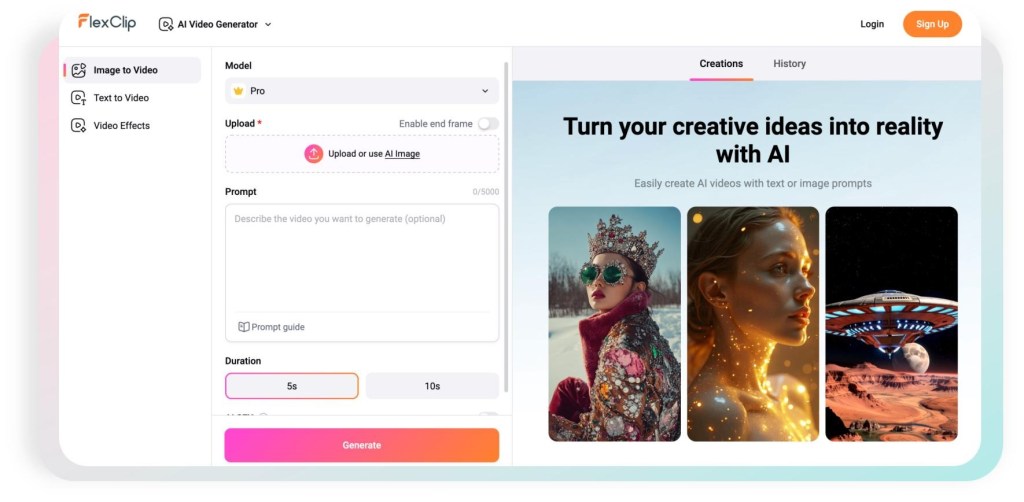
FlexClip combines traditional browser-based video editing with AI-powered creation tools.
Users can start with text, templates, images, or existing video clips and build content for different platforms.
Its AI tools can assist with scripts, visuals, subtitles, voiceovers, and other elements of the video-production workflow.
Key Features
- AI text-to-video
- AI script generation
- Text-to-speech
- Auto subtitles
- Templates
- Stock footage
- AI image generation
- Online editing
Best For
FlexClip is suitable for beginners, marketers, small businesses, and social media creators.
Free Plan
FlexClip provides free access with limitations on exports, resolution, AI usage, and potentially watermarking depending on the feature.
Why Choose FlexClip?
FlexClip is useful if you want an all-in-one AI video maker without dealing with complicated professional editing software.
10. Steve AI
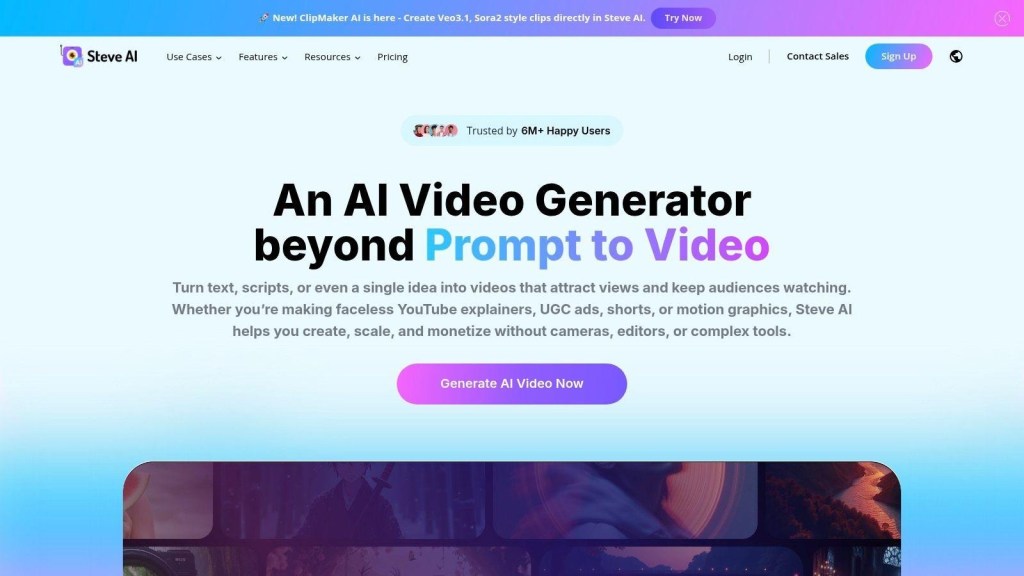
Steve AI focuses on automated video creation, including animated and live-action-style content.
The platform can transform scripts and ideas into videos while helping automate scenes, visuals, characters, narration, and other production elements.
This can make it useful for people who want to create educational or explainer content without traditional animation skills.
Key Features
- Text-to-video
- AI animation
- Script-to-video
- AI voiceovers
- Automated scenes
- Explainer videos
- Character-based videos
- Templates
Best For
Steve AI is particularly useful for educators, YouTubers, marketers, and businesses creating explainer content.
Free Access
Steve AI offers free access or limited credits depending on its current plan structure. Some features and exports may require paid credits.
Why Choose Steve AI?
If you want to experiment with animated AI videos, Steve AI is worth considering alongside more traditional AI video editors.
How to Choose the Best Free AI Video Maker
Not every AI video maker is designed for the same purpose. The best option depends on what you’re trying to create.
For Social Media Videos
Choose a platform such as CapCut, Canva, or VEED if you primarily create Instagram Reels, TikTok videos, YouTube Shorts, or other short-form content.
For YouTube Videos
Tools such as InVideo AI, VEED, and Pictory can be useful for longer informational or faceless videos.
For Marketing Videos
Canva, Adobe Express, InVideo AI, and Renderforest are useful choices for promotional and branded content.
For Blog-to-Video Content
If you already publish articles, consider Pictory or Lumen5 for repurposing written content.
For Animated Videos
Steve AI and Renderforest are worth considering when animation or explainer-style content is your primary goal.
Free AI Video Makers vs. Paid AI Video Tools
One of the biggest advantages of free AI video makers is that you can test a platform before paying.
However, “free” doesn’t always mean unlimited.
Free plans may have limitations such as:
- Watermarked videos
- Monthly generation limits
- Limited AI credits
- Lower export resolutions
- Restricted templates
- Limited stock footage
- Fewer AI voices
- Shorter video duration
- Limited commercial usage
- Fewer avatar options
For occasional social media content, a free plan may be enough.
For businesses producing videos every week, a paid plan may eventually become more practical.
How to Create a Video With AI in Minutes
Most AI video makers follow a similar workflow.
Step 1: Start With an Idea
Decide what your video should accomplish.
For example:
“Create a 45-second video explaining three benefits of AI video generation for small businesses.”
A clear objective helps AI produce more relevant content.
Step 2: Generate or Add a Script
You can write your own script or ask the AI tool to create one.
Keep the script concise and structured around a single topic.
Step 3: Select a Video Style
Choose the style that matches your audience.
Possible options include:
- Educational
- Promotional
- Cinematic
- Social media
- Corporate
- Animated
- UGC-style
- Explainer
Step 4: Generate the Video
The AI can assemble scenes, visuals, narration, captions, and music based on your instructions.
Step 5: Review Every Scene
This is an important step.
AI-generated videos can contain incorrect visuals, awkward wording, unnatural narration, or irrelevant footage.
Always review the generated video before publishing.
Step 6: Add Branding
Add your:
- Logo
- Brand colors
- Fonts
- Website
- Product information
- Call to action
Step 7: Export and Publish
Once the video looks good, export it in the format required by your target platform.
Tips for Getting Better Results From AI Video Makers
The quality of an AI-generated video depends heavily on the quality of your instructions.
1. Write Specific Prompts
Instead of:
“Make a marketing video.”
Try:
“Create a 30-second vertical promotional video for a SaaS product targeting small-business owners. Use a modern, professional tone and finish with a strong call to action.”
2. Keep One Main Idea Per Video
Trying to cover too many topics can make the video confusing.
3. Use Short Scenes
Short scenes usually work better for social media and attention-driven content.
4. Always Check AI Voiceovers
AI voices have improved significantly, but pronunciation and emphasis can still occasionally sound unnatural.
5. Customize AI-Generated Content
Don’t publish the first version automatically.
Change the:
- Hook
- Script
- Visuals
- Captions
- Music
- Branding
- Call to action
6. Optimize for the Platform
A YouTube video and Instagram Reel shouldn’t necessarily use the same format.
Consider:
YouTube: 16:9
Instagram Reels: 9:16
TikTok: 9:16
YouTube Shorts: 9:16
Frequently Asked Questions
Are free AI video makers really free?
Many platforms offer free plans, trials, or credits. However, free versions often have restrictions such as watermarks, limited generations, lower resolutions, or fewer premium features.
Can I create videos without editing skills?
Yes. AI video makers are designed to simplify video production. Many can automatically generate scripts, scenes, narration, captions, and visuals.
Can AI create a video from text?
Yes. Text-to-video is one of the most common AI video-generation workflows. You provide a script or prompt, and the platform generates a video around that content.
Are AI-generated videos good for YouTube?
Yes. AI can help create educational videos, explainers, product videos, shorts, and faceless content. However, adding original insights, accurate information, and meaningful editing can make the content more valuable.
Can I use free AI videos commercially?
It depends on the specific platform and plan. Always check the tool’s current licensing and commercial-use terms before using free-plan content for business purposes.
Final Verdict: Which Free AI Video Maker Should You Choose?
AI video creation has become significantly easier. You don’t need to be a professional editor to turn an idea into a polished video.
For social media content, CapCut and Canva are excellent starting points.
For prompt-based video generation, InVideo AI is worth exploring.
For online editing and AI-assisted production, VEED and FlexClip are strong choices.
For blog-to-video workflows, Pictory and Lumen5 can help repurpose written content.
For branded marketing content, Canva, Adobe Express, and Renderforest provide useful templates and customization options.
And if your focus is animated or explainer videos, Steve AI is an interesting option.
Ultimately, the best free AI video maker is the one that matches your workflow, audience, content format, and publishing goals. Start with a free option, create a few test videos, compare the quality and limitations, and then decide whether you need a paid plan.
AI video makers don’t completely replace human creativity—they make the production process faster. The strongest results usually come from combining AI-generated visuals and editing with your own ideas, storytelling, branding, and creative direction.


Leave a Reply